
Building a Cinematic AI Music Video with MiniMax H3
A fully AI-generated music video built from more than 100 individually generated video takes, using MiniMax H3 for motion and lip sync, Krea2 and Flux Klein for image production, Suno for music, and After Effects for the final edit.
This project explores a production workflow for creating an AI-generated music video with the visual coverage, performance and editing flexibility of a conventionally shot production.
Rather than asking a video model to create complete edited sequences, I treated MiniMax H3 as a virtual production unit. Each generation was designed as an individual take: one setup, one performance direction and one camera idea. The final music video was then assembled manually in post-production.
The main challenge was maintaining a consistent central character across dozens of locations, outfits and lighting setups while achieving convincing lip sync, expressive performance and enough coverage to support a fast-paced edit.
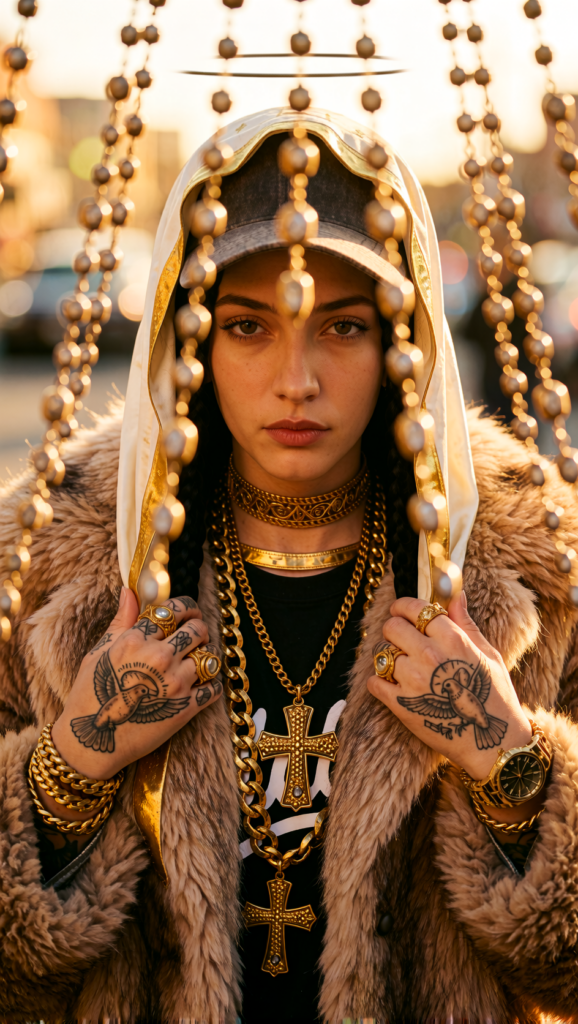
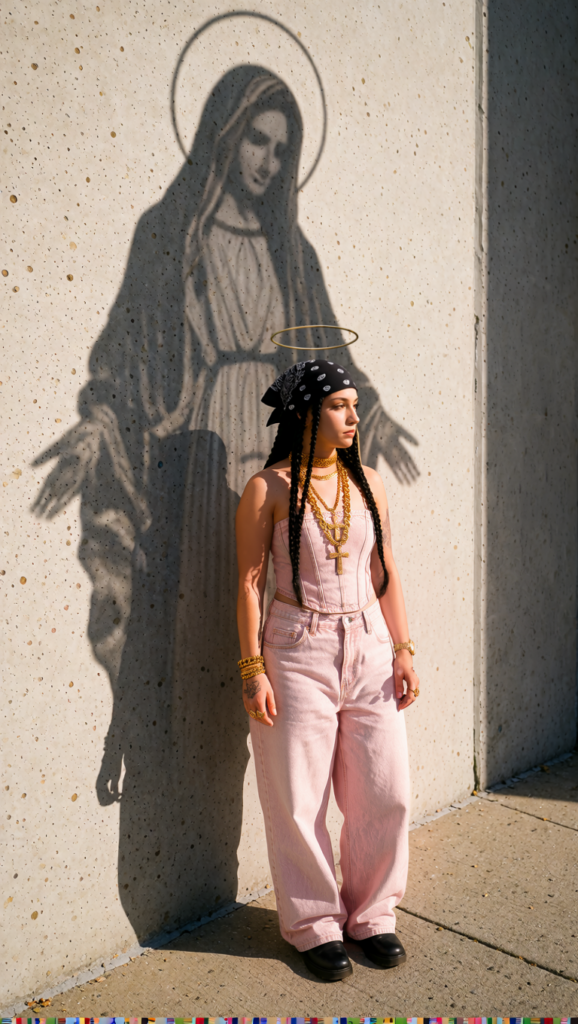
Production scale
The project involved a fairly large generation and curation process.
For the image stage:
214 Krea2 images generated → 82 curated → 40 edited and taken into production
For video:
114 MiniMax H3 generations
37 general music-video / B-roll clips
77 rap-performance takes covering different sections and variations of the song
Generating this amount of material was intentional. The goal was not for every output to be perfect, but to create enough coverage to make real editorial decisions afterwards.
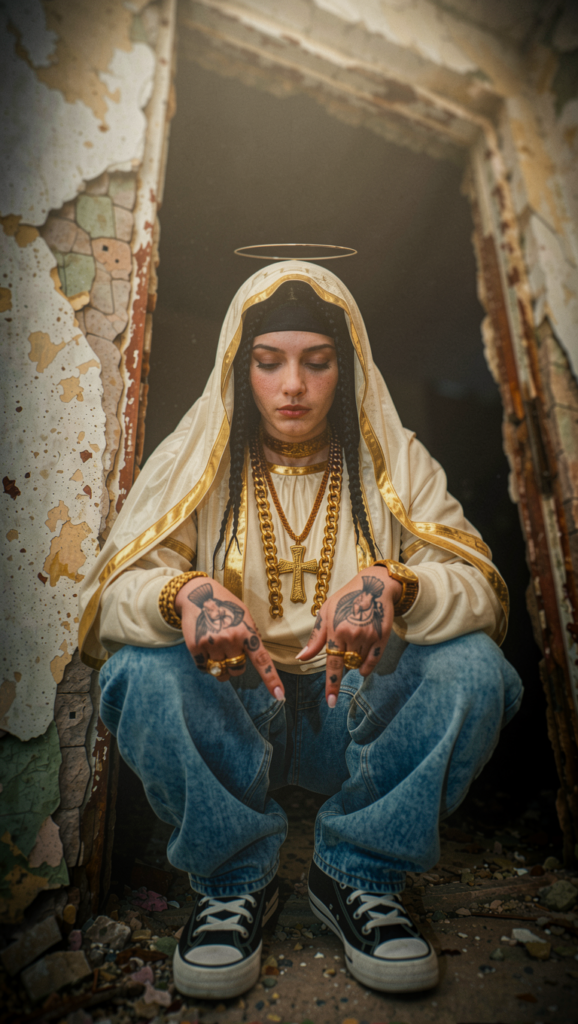
Character and scene production
Most source images were created with Krea2 Turbo NVFP4, using: krea2_identity_edit_v1_2
krea-smartphone-photo-slider
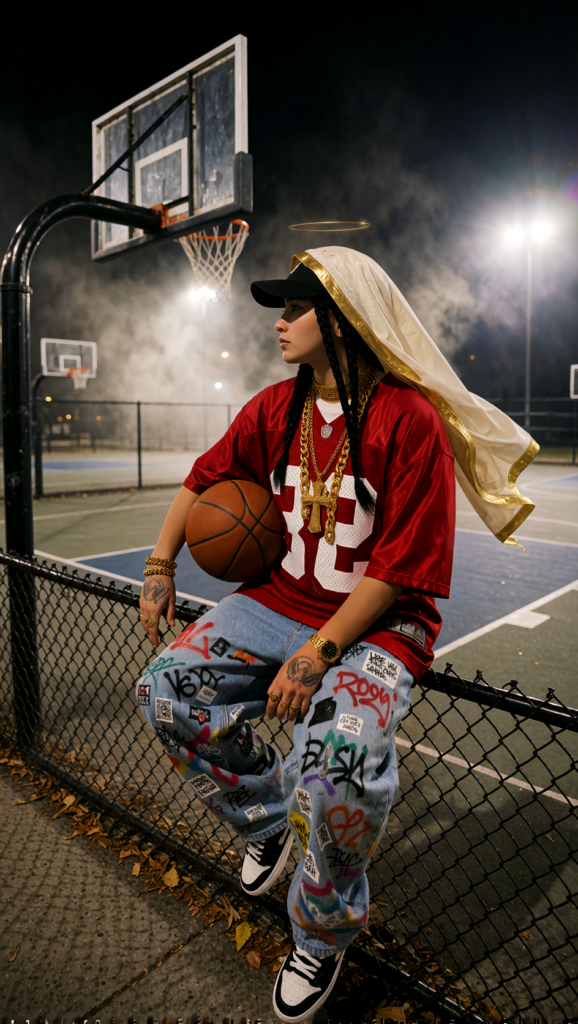
The same character had to remain recognizable while appearing across very different environments, wardrobes, lenses and lighting conditions.
For masking, corrections and detail work I used Flux Klein 9B FP8, mainly through the NKD Klein Tools node pack, together with:
klein_slider_detail
The image-generation stage effectively became the production-design stage. Each selected still already defined the intended framing, wardrobe, lighting and location before being passed to H3.
MiniMax H3 workflow
Both H3 I2V and H3 Ref2V were used throughout the project. General workflow: https://gist.github.com/circlenline/937b530ae97a9eb7475c9dda6832b2db
The project was generated locally on:
- RTX 5080 — 16 GB VRAM
- 96 GB system RAM
For the performance sections, I built a separate workflow around short 5-second generations. Long 15-second generations at 1 MP were not practical enough on a 16 GB GPU without relying on a Turbo LoRA, so the song was divided into smaller sections and generated as individual performance takes. Each generation took roughly 7–8 minutes on the RTX 5080.
This limitation ended up improving the workflow. Instead of asking H3 to solve an entire sequence, I generated coverage: close-ups, wide shots, handheld performances, slow-motion inserts, environmental shots and alternate takes.
Editing
The final piece was edited manually in After Effects.
That was not simply a finishing step; it was fundamental to the workflow.
I use AI video primarily as a way of generating footage, not finished edits.
A five-second generation does not need to be perfect from beginning to end. Sometimes the useful material is two seconds. Sometimes it is half a second, a reaction, a camera movement or a few clean frames.
Generating many independent takes meant I could select the strongest moments, discard unstable sections and control pacing exactly in the edit.
The workflow became much closer to a conventional production:
design the shot → generate the take → curate the footage → generate coverage → edit the film
Copyright ©
All original artwork published by Enrique Ramos Boquera (circlenline) is licensed under “Attribution-NonCommercial-NoDerivatives 4.0 International”.
You must attribute the work to Enrique Ramos Boquera (circlenline) as the original author. Licensees may not use the work for commercial purposes unless they get permission.
Online presence
Unless otherwise specified or implied by the client, content (image, video or text) showing off any stage of a project may be featured on this website, social media or used in a portfolio/reel.